
With Inktober getting closer, we’ve been reaching for our Midnight Ink brushes a lot more again — so we thought this would be the perfect time to share which ones we actually use the most.
We’re Mira and Essi, the two artists behind Ink Wild Brushes. We created the Midnight Ink Brush Pack together, but funnily enough, we don’t always reach for the same brushes or even use them in the same way.
Midnight Ink was originally created to bring the feeling of traditional ink into Procreate: uneven lines, dry edges, grain, splatters and all those little imperfections we often miss when drawing digitally.
But after using the pack in our own work, we’ve both found completely different ways to use the brushes too. So… Essi vs Mira. Here are our three favourites. ♡
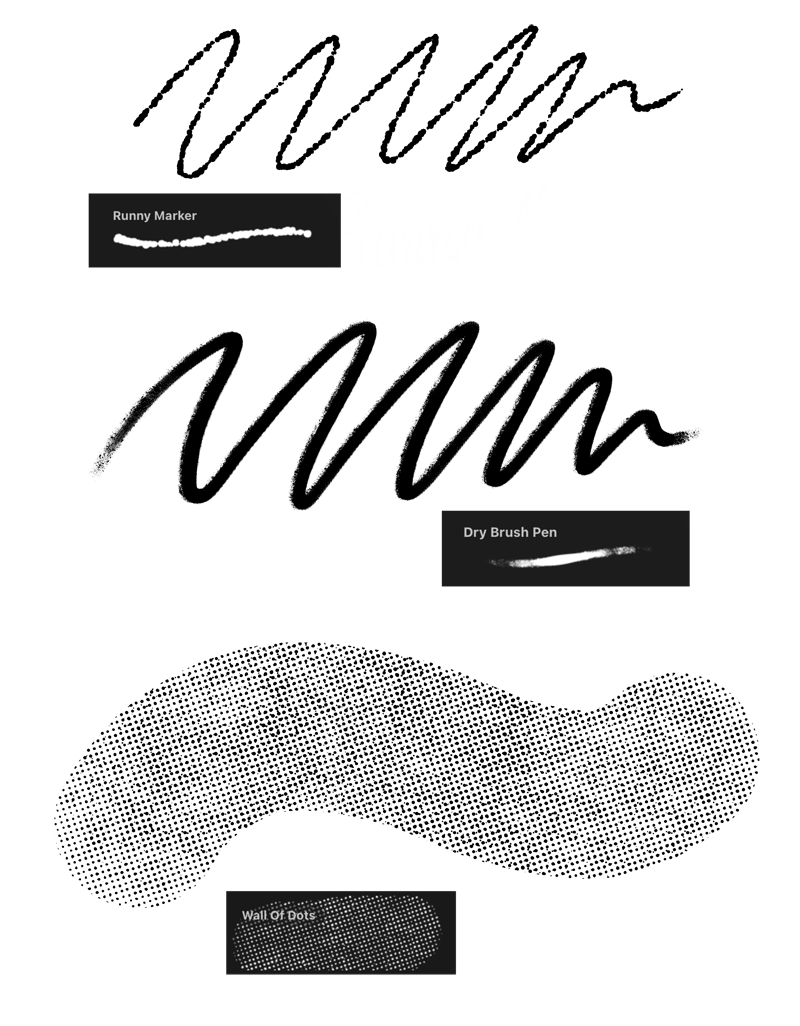
Essi’s 3 favourite Midnight Ink brushes
For me, one of the best things about Midnight Ink is how versatile it turned out to be.
Even though we originally made the pack to mimic traditional ink, the brushes work with so many different styles. I love just testing them, seeing what kind of marks they make and finding new ways to use them. ✨
I also think this pack fits Inktober pretty perfectly. It’s a time when you might want to draw a little faster, experiment more and try things you wouldn’t normally do. Sometimes picking a different brush is enough to make you approach a drawing in a completely new way.
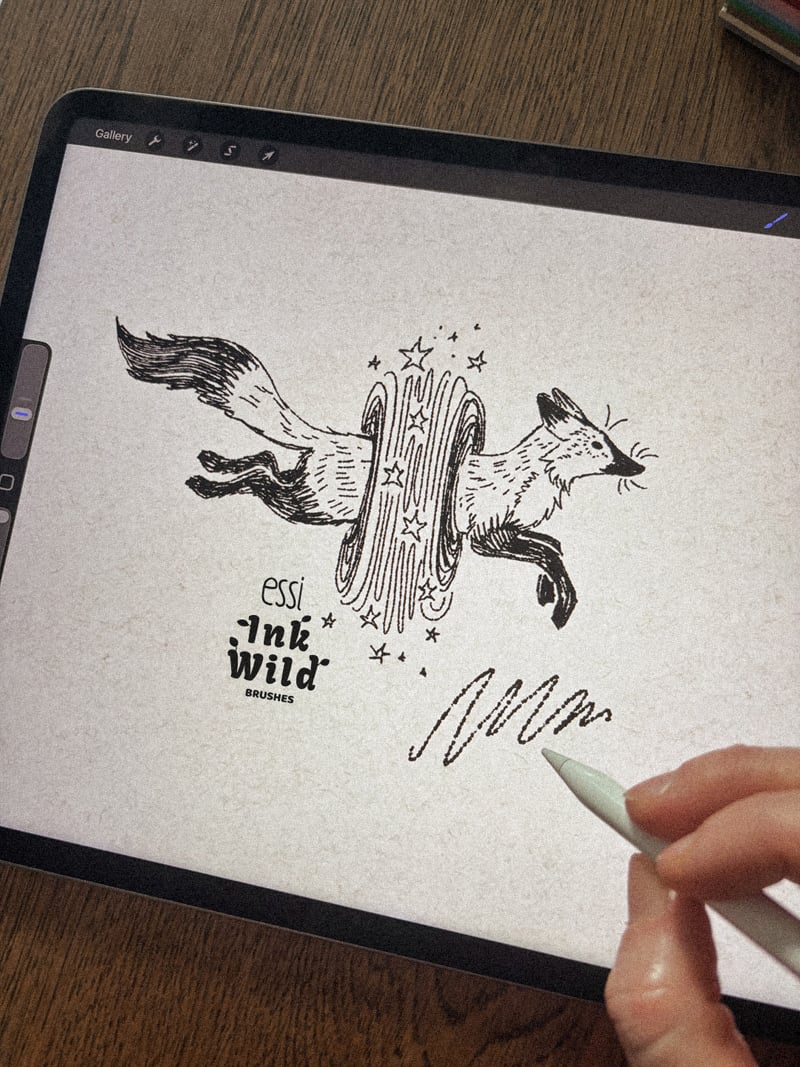
1. Runny Marker
I love the character this brush gives to linework.
Instead of creating one clean line with the same thickness all the way through, Runny Marker changes and moves as you draw. It gives the lines a much more handmade feeling and makes even quite simple drawings feel more interesting.
I often use it for loose, sketch-style illustrations, but I also sometimes reach for it when I’m drawing smaller tattoo flash designs.
It’s especially nice when I want to use linework but don’t want those lines to feel too polished or perfect.
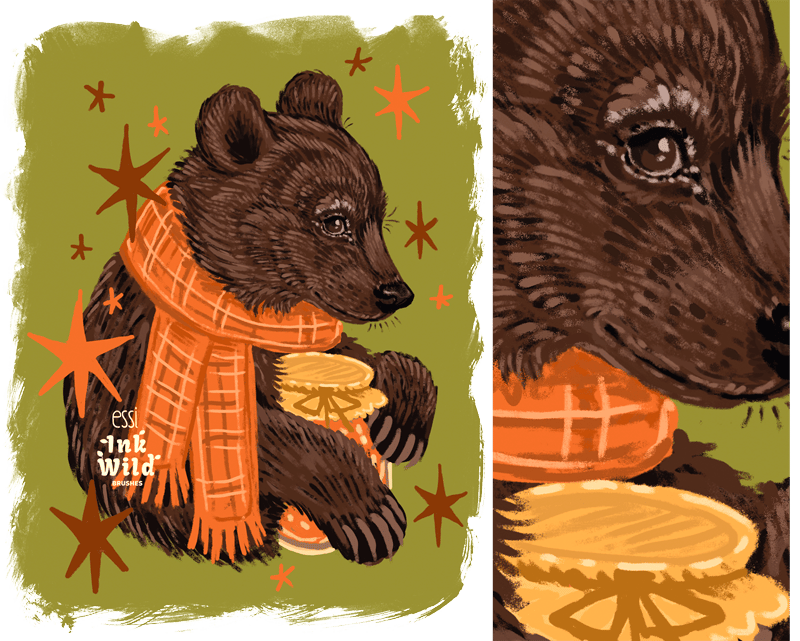
2. Dry Brush Pen
This is actually one of my newer favourites.
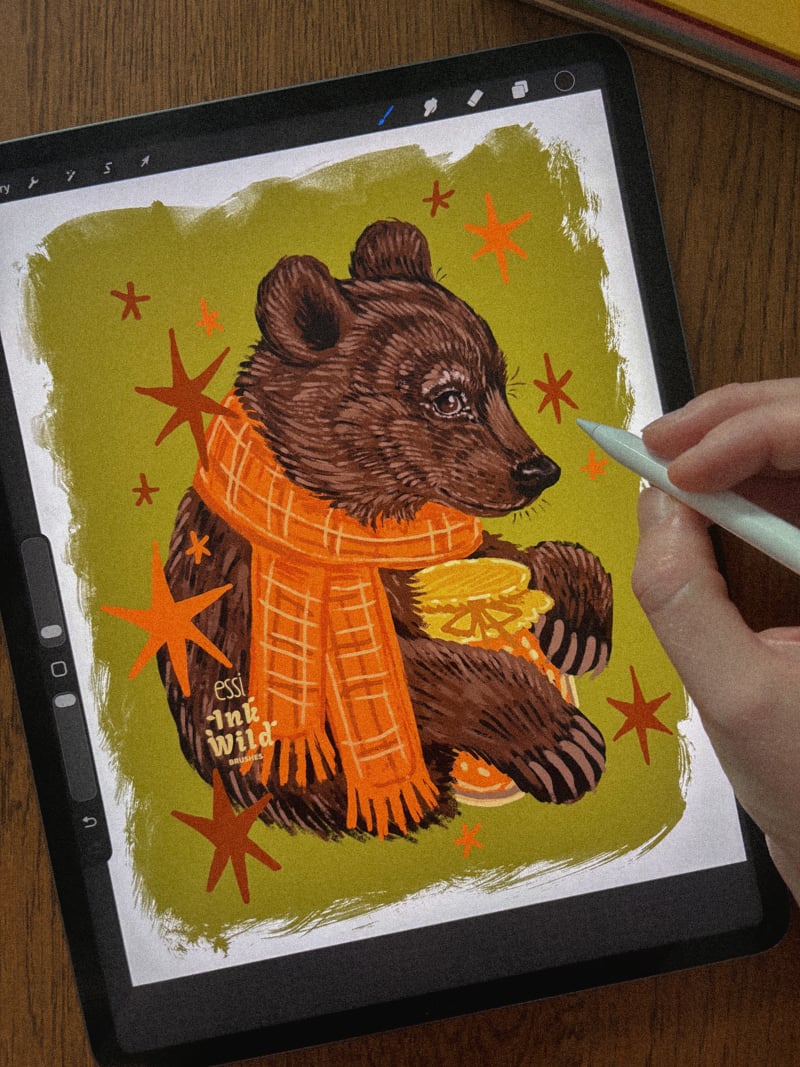
The edges have a subtle dry-brush effect that adds texture without being too much. I especially like using it in illustrations where I’m not planning to draw clear outlines around everything.
It works really nicely for loose, sketchy illustrations where the shapes don’t need super precise edges.
I’ve also been using it for illustrated animals. The dry texture works surprisingly well for creating little bits of fur and breaking up the shapes without having to draw every single hair.
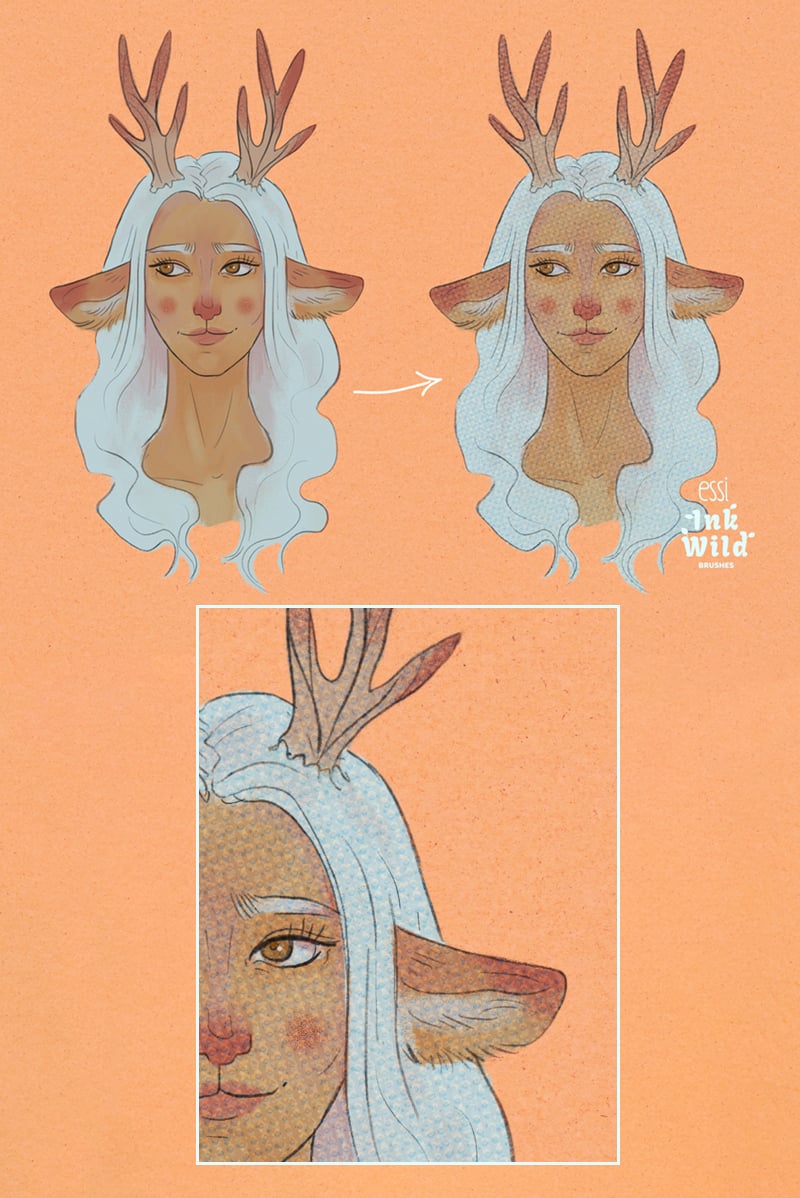
3. Wall of Dots
This one I usually use a little differently.
Instead of drawing the whole illustration with it, I often add Wall of Dots over an already finished piece and then play around with the layer settings.
It creates this subtle raster-like texture that reminds me of the printing you can see on old postcards when you look at them really closely. It’s such an easy way to give digital artwork a slightly older, printed feeling.
And a little bonus: Wall of Dots is also included in our free Discovery Pack! So if you’d like to try this brush before getting Midnight Ink, you can download the free pack by joining our newsletter. ♡
Mira’s 3 favourite Midnight Ink brushes
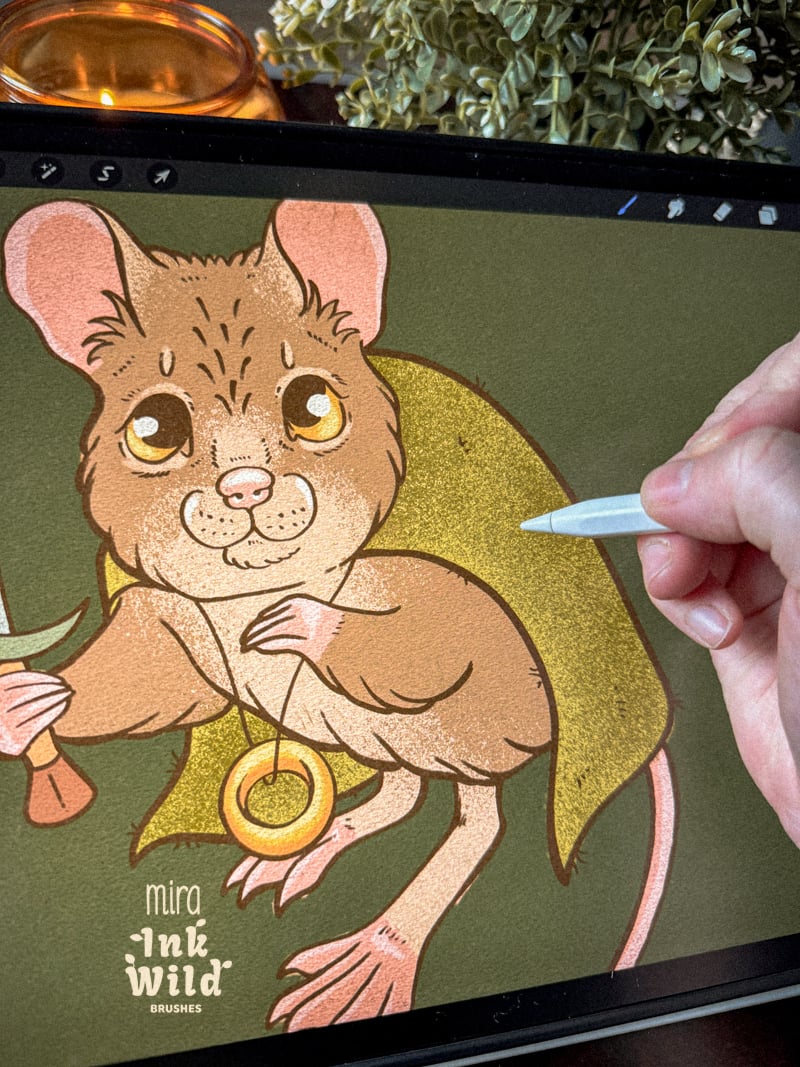
One thing I really like about Midnight Ink is that there’s plenty to experiment with, but the collection isn’t so huge that I completely lose track of my brushes.
I actually get to know them and remember which ones I like for different things.
Of course I use the pack for ink-style artwork and tattoo designs, but lately I’ve been using these brushes a lot in other illustrations too — especially when something starts looking a little too smooth or digital.
Apparently my solution to most things is just to add more texture. 😄
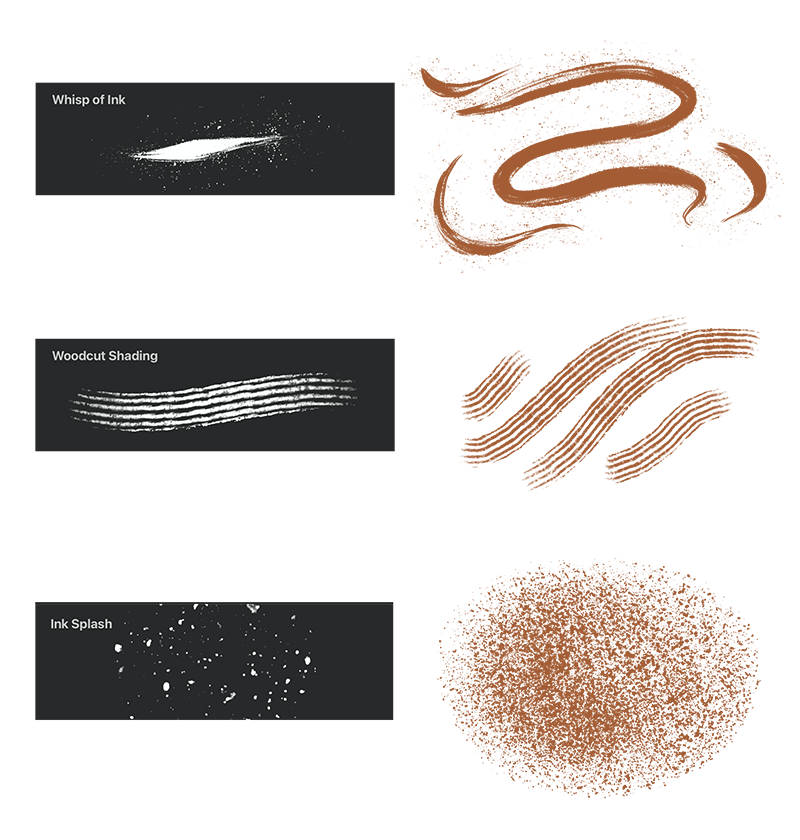
1. Whisp of Ink
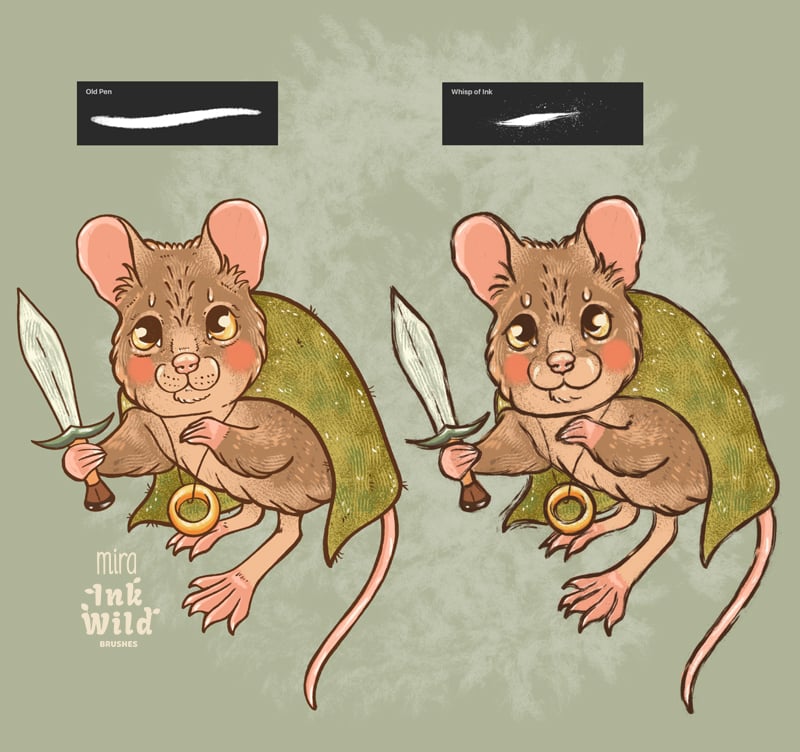
This has become one of my new favourites when I want an imperfect, inky effect.
You can actually see the movement of the brush hairs in the strokes, and I LOVE the tiny ink droplets that scatter around as you draw.
Those little imperfections are exactly what I often miss in digital art.
I use Whisp of Ink a lot for outlines when I still want the illustration to have clear lines, but I don’t want them to look perfectly smooth and controlled. It gives me much more of that traditional ink feeling.
Procreate tip: If you like the brush but want to change how many little ink droplets appear around your strokes, you can adjust the effect in the brush settings. So you can keep it quite subtle or make it properly messy.
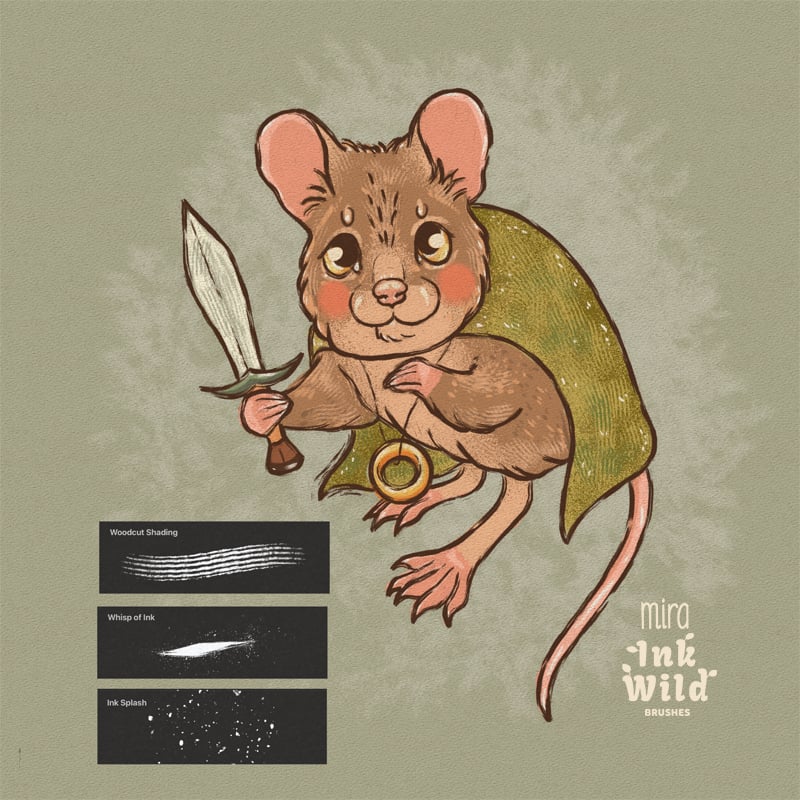
2. Woodcut Shading
This brush originally came from my love for woodcut-style tattoos.
I wanted a brush that could create those directional, carved-looking shading marks without having to draw every line separately.
But since creating it, I’ve found myself using it for much more than just woodcut-inspired work.
One of my favourite ways to use it now is to break up large areas of flat colour. Adding a little Woodcut Shading immediately gives the surface more texture and makes it feel less digitally perfect.
So yes, it works for shading — but I also use it simply as a texture brush all the time.
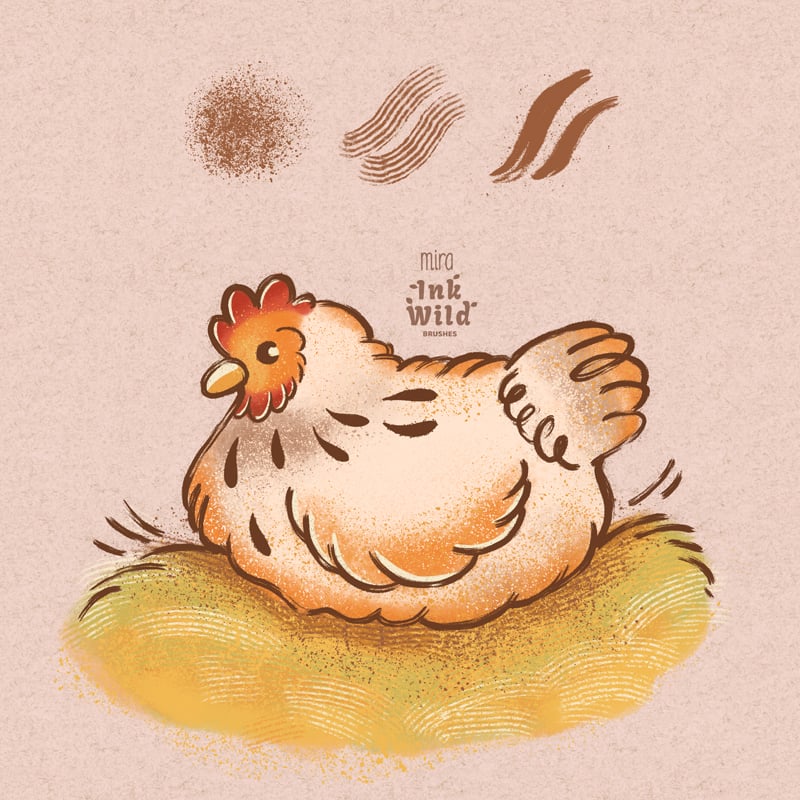
3. Ink Splash
Ink Splash is probably one of the easiest brushes to just throw into an illustration when something feels a little too flat.
I love using it for grainy shading and colour transitions because it lets some of the colour underneath show through instead of creating one perfectly even surface.
Sometimes I use it in backgrounds. Sometimes just in the shadows. And sometimes I add it very lightly over a bigger part of the illustration.
It adds those little inconsistencies that traditional materials naturally create and helps me break up that overly digital feeling.

Why we love Midnight Ink for Inktober
Inktober is a pretty perfect excuse to experiment.
You don’t need dozens of brushes or a complicated setup. You could choose just one or two brushes you haven’t used much before and see what happens when you stick with them for a few drawings.
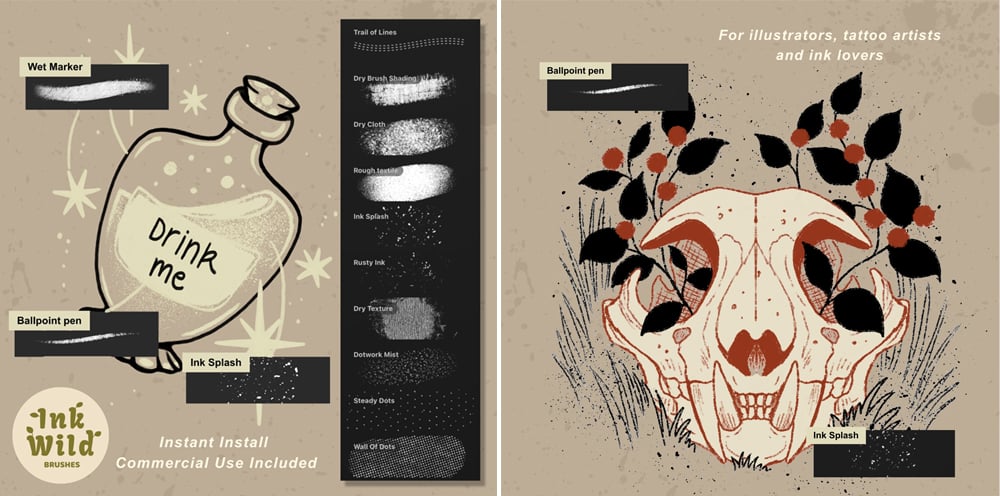
Try messy lines. Try a completely different way of shading. Leave some imperfections in instead of fixing everything.
Midnight Ink has liners, dry brushes, washes, splatters and texture brushes, so there are lots of different directions you can take without constantly switching between huge brush libraries.
And most importantly, you really don’t need to create a masterpiece every day.
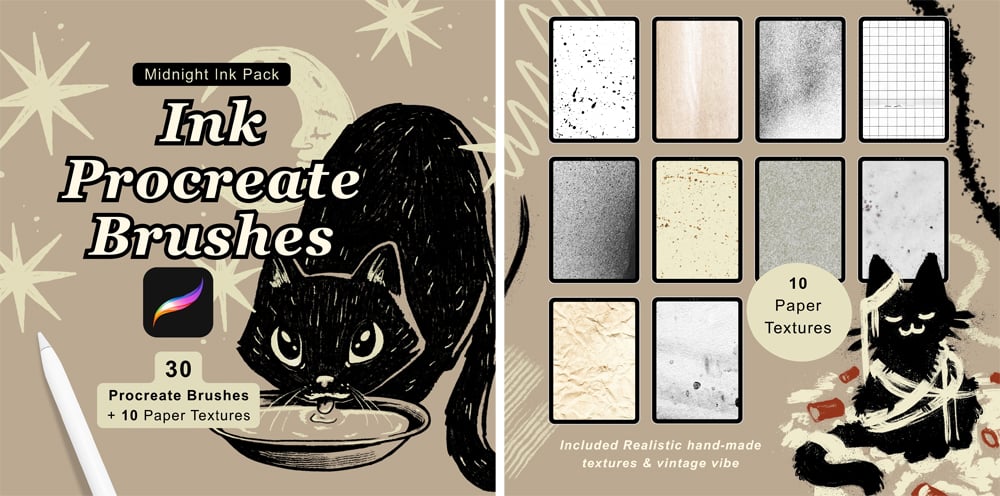
Sometimes it’s enough to open Procreate, make something and enjoy drawing for a while. And honestly, that’s the part of Inktober we like the most. 🍂
So… Team Mira or Team Essi? Have you tried any of our favourites? If you already have the Midnight Ink Brush Pack, we’d LOVE to hear which brush you keep coming back to — especially if your favourite isn’t on either of our lists!
And if you haven’t tried Midnight Ink yet, you can find the full brush pack in our shop.
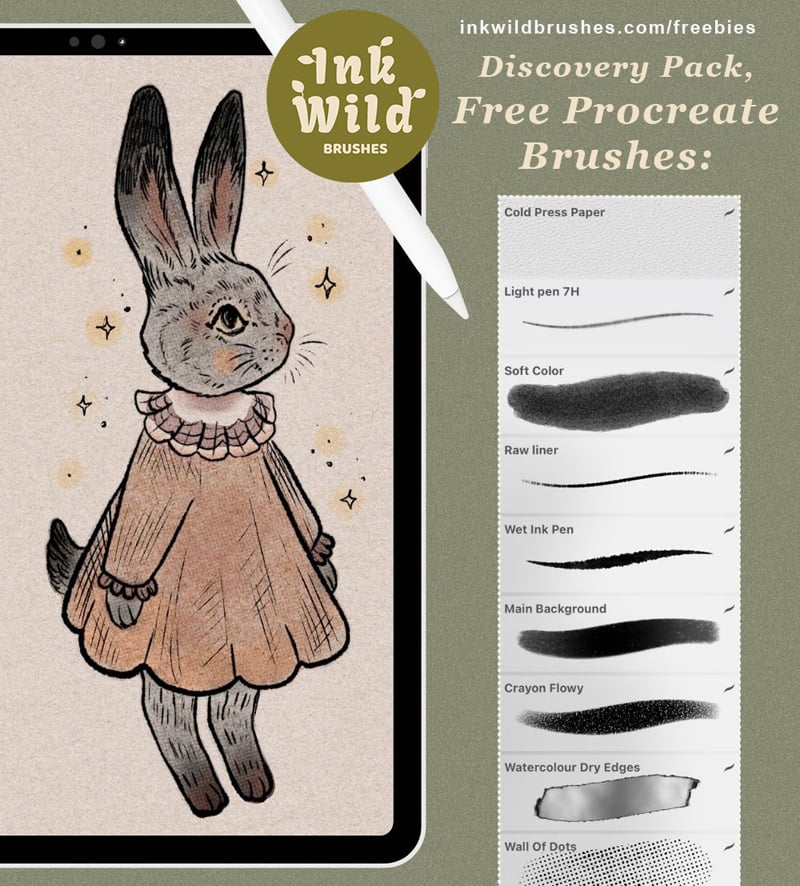
Or start with our free Discovery Pack and give Essi’s favourite Wall of Dots a try first. ♡
Happy drawing!
Mira & Essi
Ink Wild Brushes 🌿
Tags: Procreate inking brushes, digital ink brushes, Inktober brushes, Procreate brushes for Inktober, Procreate texture brushes, Procreate brushes for tattoo designs, traditional ink brushes Procreate, woodcut Procreate brush
Comments ()